Product · Resume
Parks on a 2FA code.Picks up from its checkpoint.
Some steps only you can finish: a one-time code, a captcha, an approval. Kaabist pauses the run right there and emails a link to you, or to the teammate or customer you choose. Once they answer, the program continues from its last checkpoint. Nothing starts over.
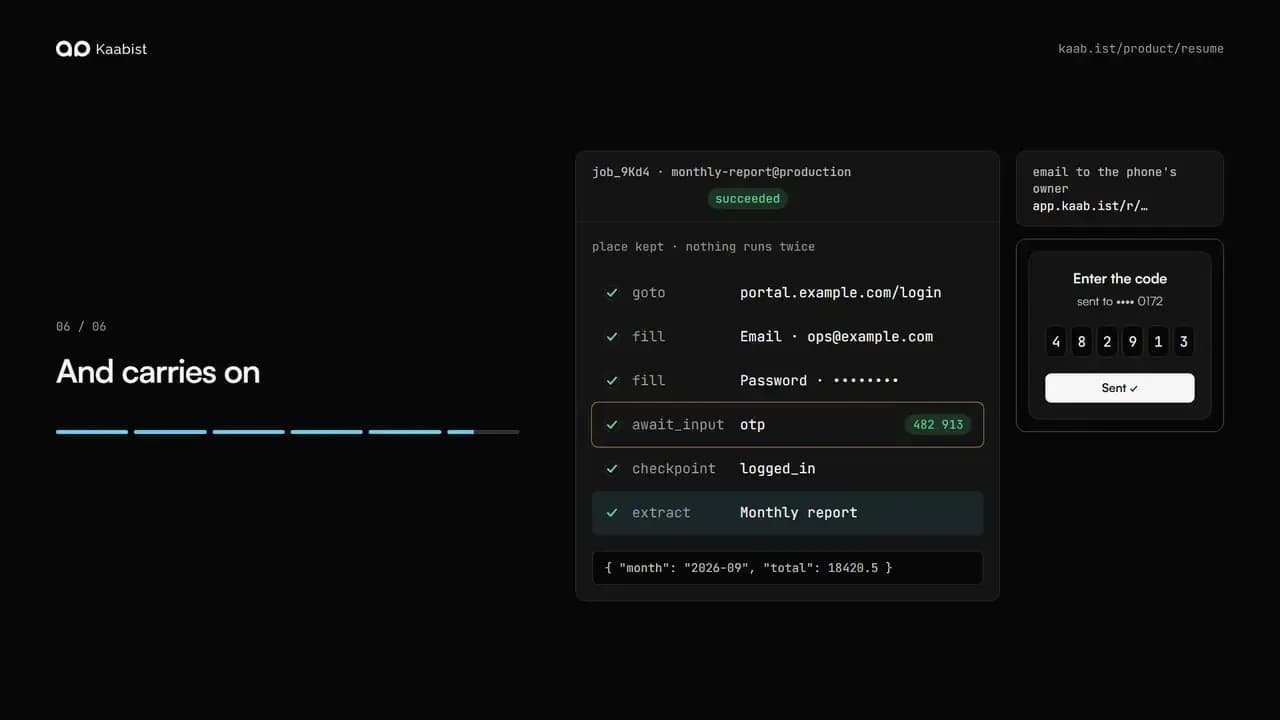
- 01The job logs inThe program opens the portal and fills in the email and the password, the way it always does.
- 02The site asks for a codeA one-time code goes to your phone. The program cannot know it, so the run pauses and waits for the code, with its place kept.
- 03You get a linkKaabist emails you a page with one field and a button, or your teammate or customer: whoever gets the code.
- 04You type the codeThe code goes straight to the waiting run. Nothing else in your system had to change.
- 05The run continues where it wasIt continues from its checkpoint, not from the start: the login is not done twice, nothing before it runs again.
- 06And carries onThe report is read and returned as typed data. One run, one login, one code typed once.
 The story, as a video0:45 · animation
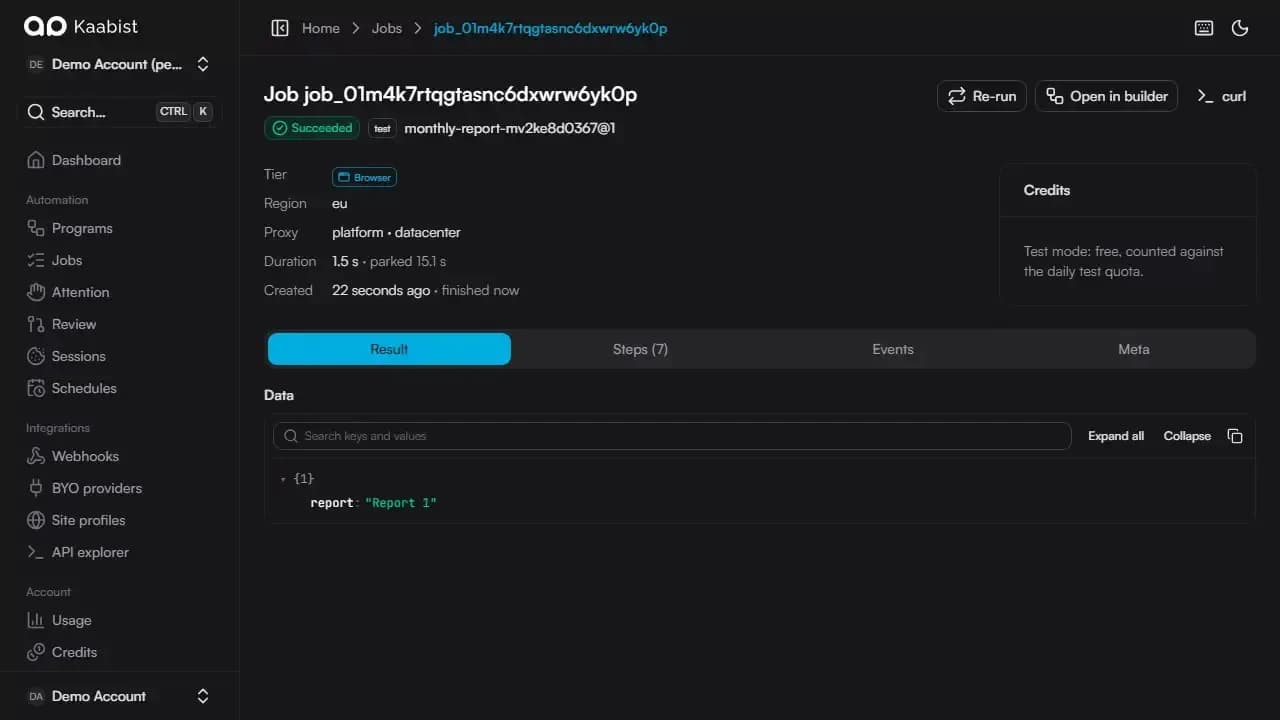 Answer a job from a link0:24 · recorded in the panel
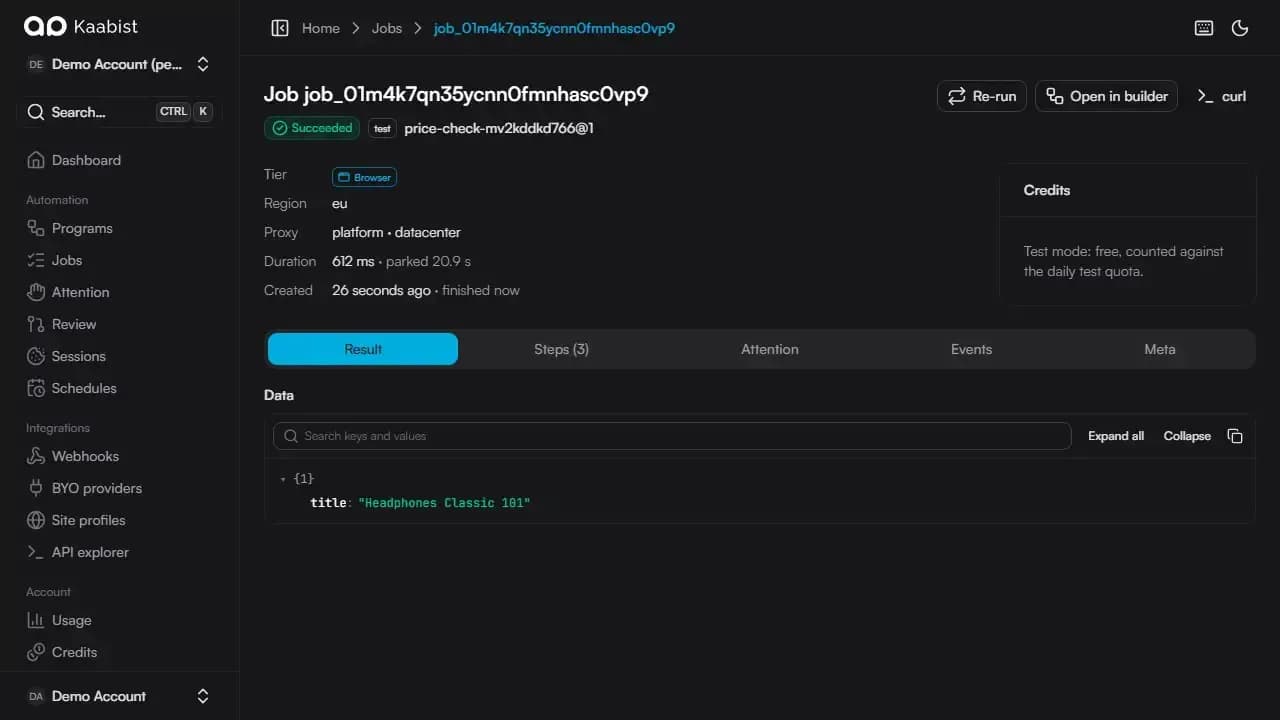 Take over a stuck job0:32 · recorded in the panel
How it works
01
Ask where the flow needs it
Put an await_input step where the site asks for something only you (or your customer) have. The browser stays open for a few minutes in case the answer comes quickly, and the job keeps waiting until the expiry you set: 24 hours by default, 7 days at most.
example{ "await_input": { "name": "otp", "type": "secret", "ttl": "5m", "expires": "24h", "collect": "hosted" } }, { "fill": "#otp", "value": "{{vars.otp}}" }02
Answer from a link, or from your code
With collect set to hosted, Kaabist emails a link to the address you choose: yours, a teammate's or your customer's. They open a page on app.kaab.ist, see what the run is waiting for, and type the answer. Your own code can answer instead, with one call.
examplecurl -X POST https://api.kaab.ist/v1/jobs/job_8KqV2/input \ -H "Authorization: Bearer $KAAB_API_KEY" \ -d '{"otp": "481207"}'03
Checkpoints, not restarts
A checkpoint saves the browser's storage, the URL, the step and the variables. If the browser has closed by the time the answer arrives, Kaabist rebuilds the context from the checkpoint and carries on from the step after it.
example{ "click": { "role": "button", "name": "Sign in" } }, { "checkpoint": "after_login" }04
When the unexpected happens
An unknown page, a button that moved or a captcha pauses the run as needs attention, with a snapshot, a screenshot and suggested fixes. You can take over the live browser from your panel and continue, apply a fix, or retry from a named checkpoint.
examplecurl -X POST https://api.kaab.ist/v1/jobs/job_8KqV2/resume \ -H "Authorization: Bearer $KAAB_API_KEY" \ -d '{"retry_from": "after_login"}'
Questions
Askedbefore you ask.
More of Kaabist
Built by your coding agent
Connect Claude Code, Codex or Cursor to mcp.kaab.ist. Your agent opens a real Kaabist browser, works through the site with you, and what it does becomes a program: versioned, linted, and tested with a dry run before it ever submits anything.
Never submits twice
Mark the steps that change something (a submit, a payment, an order) as side effects. Kaabist writes each one down just before it runs and again once it has worked. If a server crashes in between, Kaabist never presses the button again on its own: it pauses and asks you to check.
Self-healing locators
Every target is recorded with several ranked locators and a fingerprint of the element it found. When the site changes and they stop matching, Kaabist finds the element again, writes the fix down as a proposal, and lets you promote it to a new version.